← All workMicrosoft / Product design · Search
Windows Search
Helping people start their search with confidence, before typing a word.
01 / The challenge
A powerful tool, hard to read
Make the first action feel obvious.
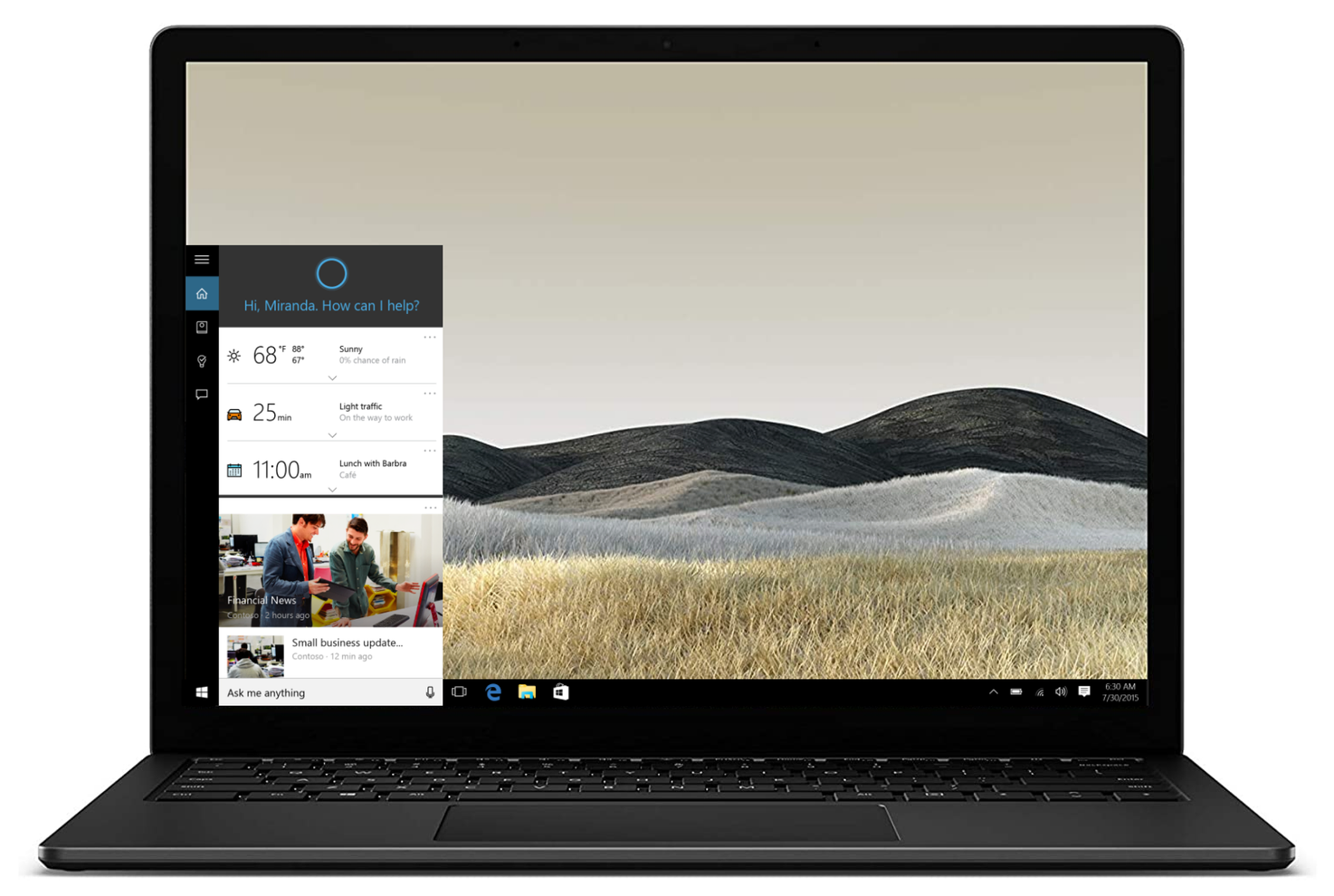
Windows Search brought together local content, web results, and Cortana. The canvas was overwhelming, and people were unsure what they could search for or where a click would take them. Engagement was only 3%.
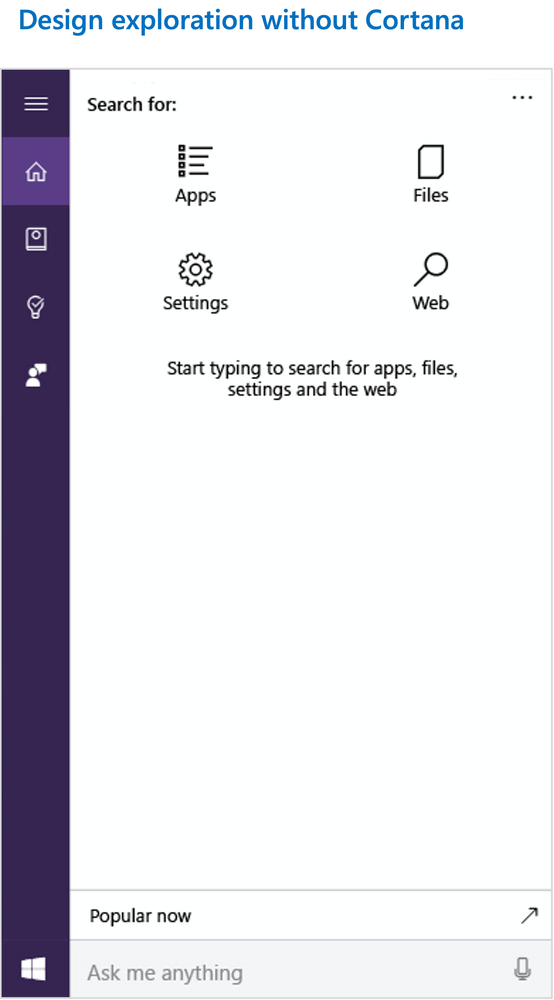
My focus was the zero-input canvas: the experience people see before entering a query. I partnered with Research and Data Engineering to understand the barriers to discovery.
02 / Strategy
Clarity builds confidence
Simplify. Enable productivity. Build trust.
With Product Management and Engineering, I aligned the scope around three priorities: simplify the canvas, help people find content faster, and make the destination of each action more predictable.
I explored both minimal and visually rich directions. Every option had to consider localization, text truncation, accessibility, and system settings for people around the world.
03 / Research & iteration
Learn from real use
A familiar starting point.
We tested designs with controlled cohorts and tracked engagement, task completion, and feature discovery. Research showed that the simpler design helped participants begin their first search with less hesitation.
One participant compared the design to a remote control: a familiar way to access the things they needed. I combined research and performance insights into the next proposal, sought leadership alignment, and partnered with Engineering to prepare it for launch.
04 / Impact
Discovery at scale
From uncertainty to everyday use.
Following a global launch, the experience increased engagement and feature discovery, and helped generate millions of dollars in revenue. The zero-input canvas became a starting point for millions of people searching on Windows devices.